SMARTLIV
Personal Project
Visual Design UI & UX Design
Home Automation
Problem Statement
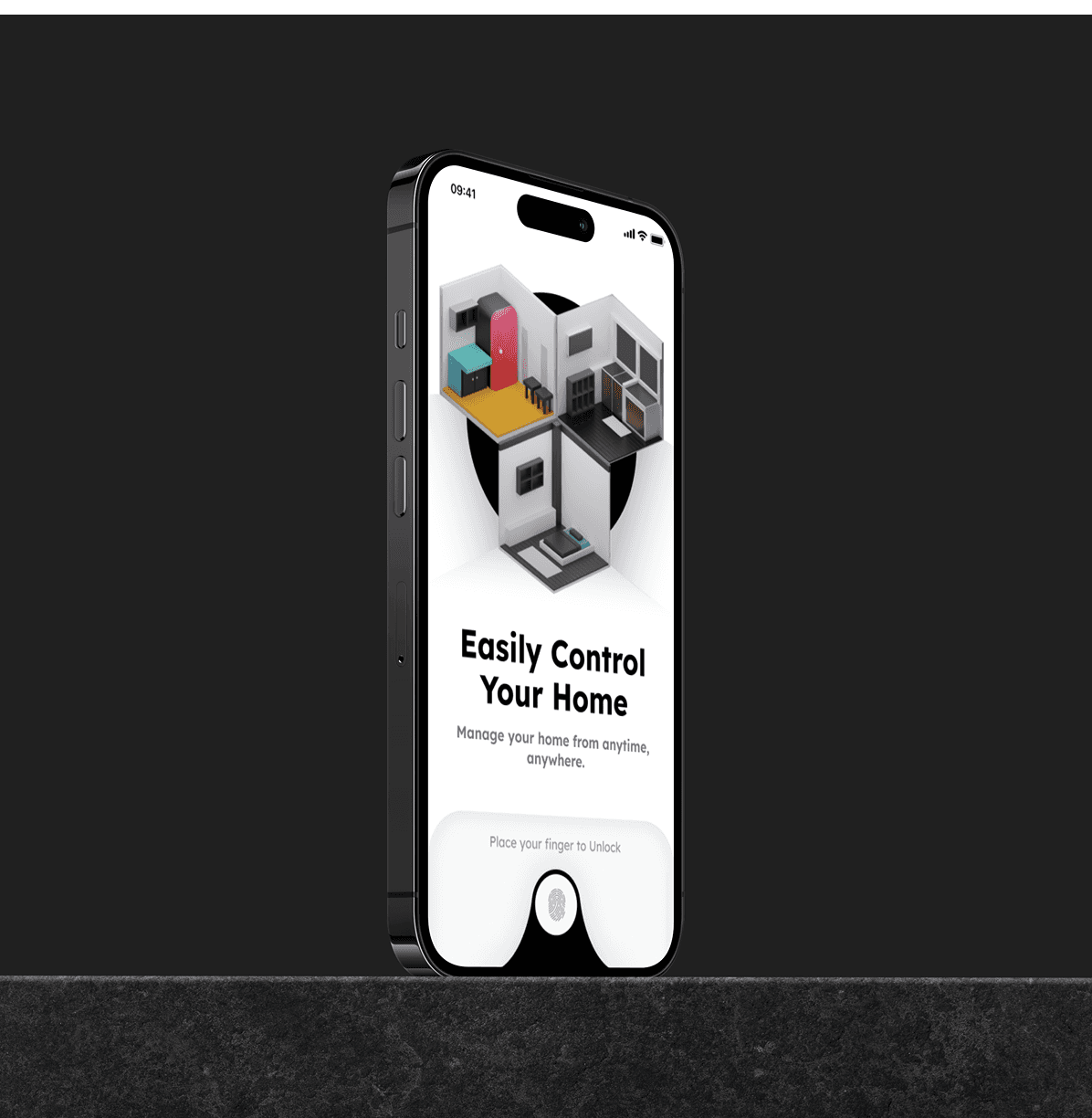
Many homeowners struggle with managing smart home devices due to complex apps lacking user-friendliness and device compatibility. My vision for a smart home app is intuitive and user-friendly, seamlessly controlling all compatible appliances for an enjoyable home automation experience.
Goal
Design Process
Market Analysis:
Researched existing smart home apps to identify gaps and opportunities for improvement.
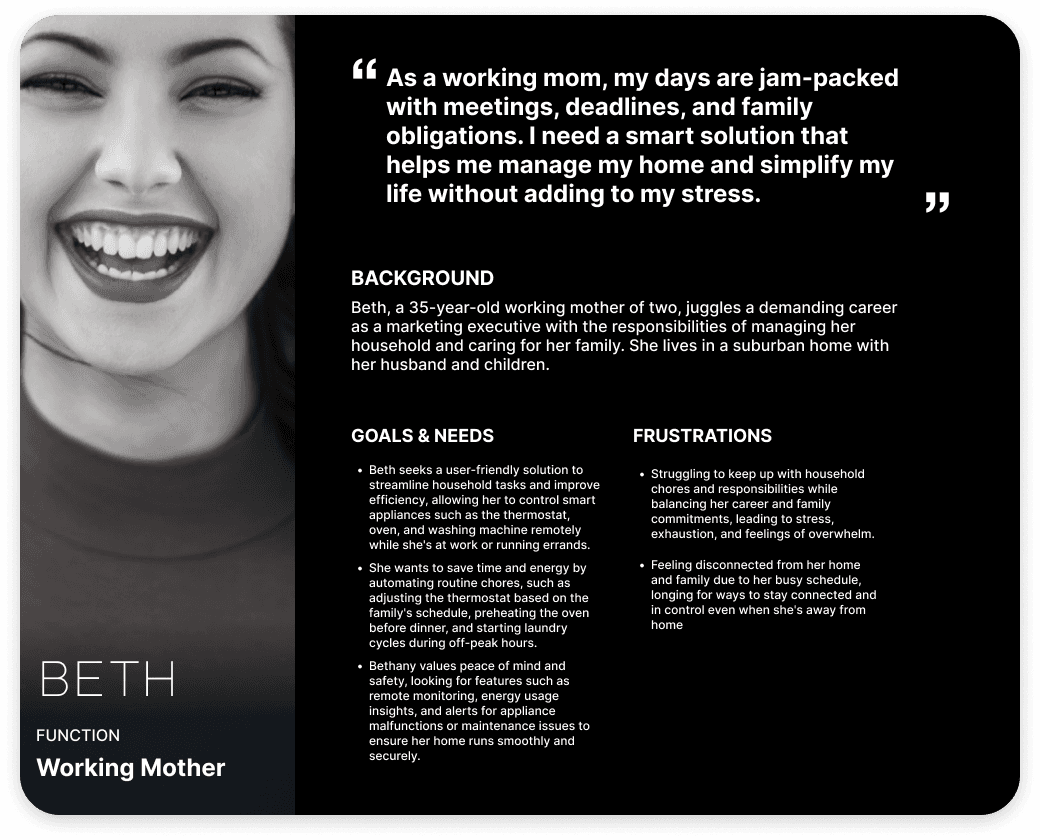
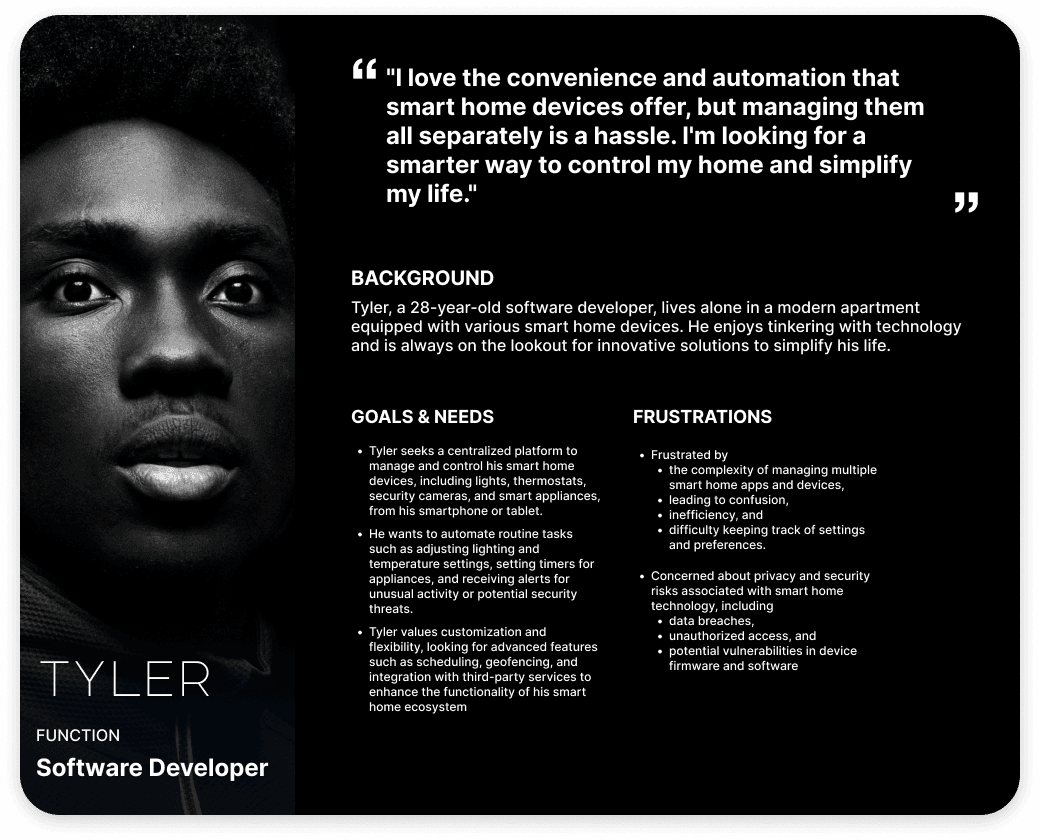
User Personas:
Developed personas based on research findings to guide design decisions
Information Architecture:
Created a User Journey flow to organize the app's structure, ensuring easy navigation and logical grouping of devices.
Defined main sections: Home Dashboard, Devices, Schedules, Rooms, with clear pathways between them.
User Journey

Wireframing & Prototyping:
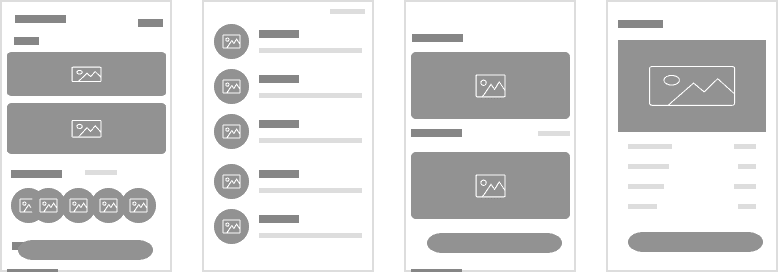
Sketched low-fidelity wireframes to map out key screens and user interactions.
Iteratively refined wireframes based on feedback, focusing on simplicity and clarity.
Developed high-fidelity prototypes using tools like Figma, incorporating visual elements and interactive features.
Wireframes
Visual Design:
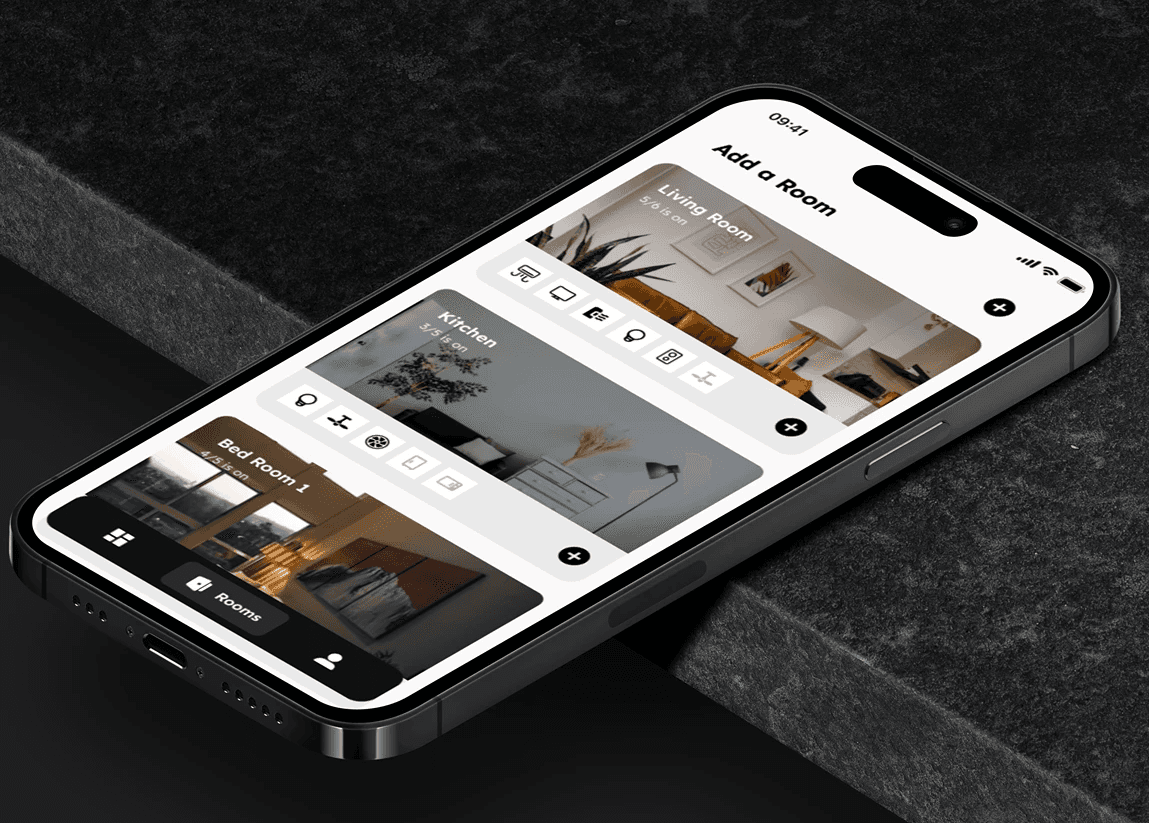
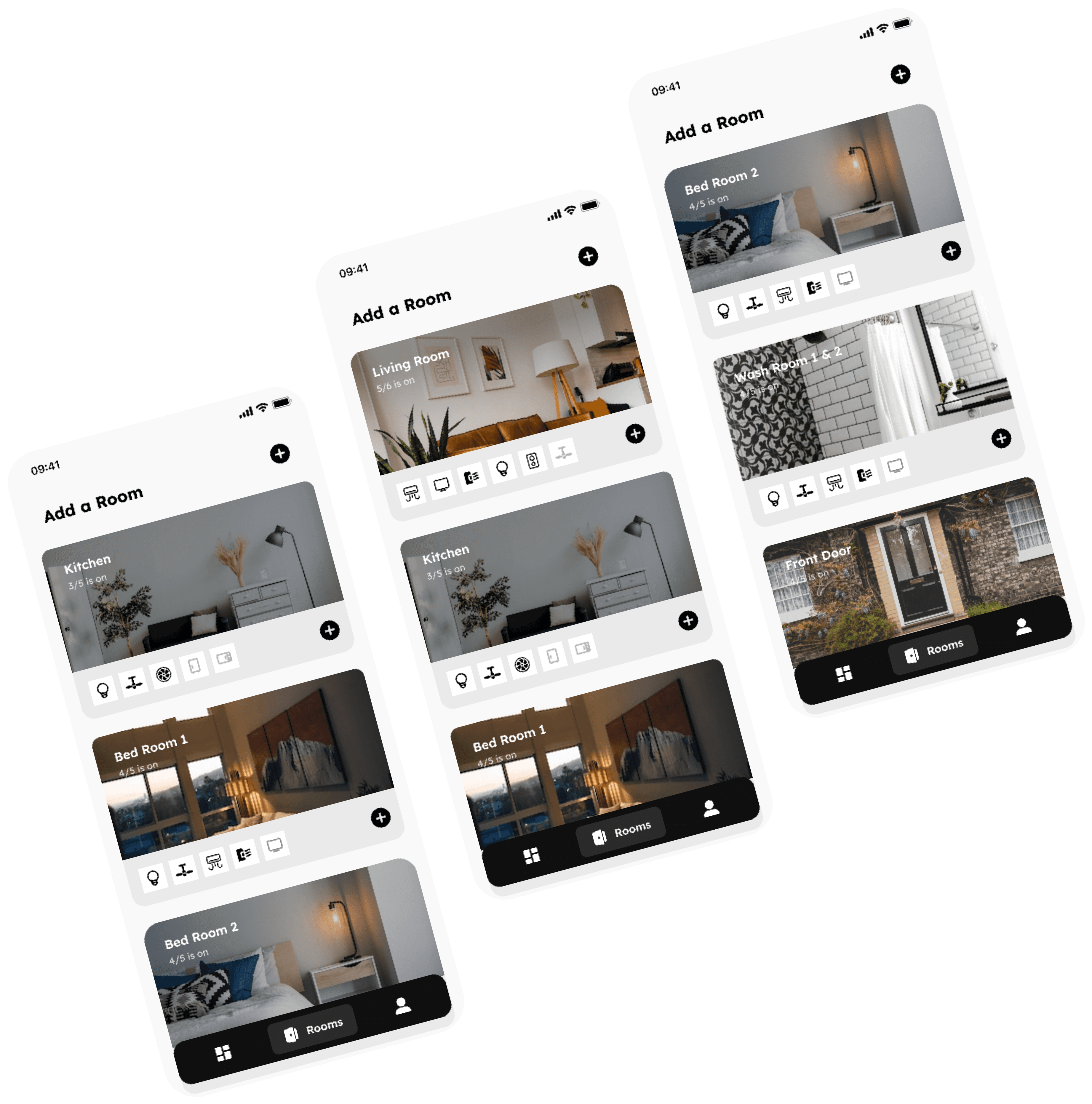
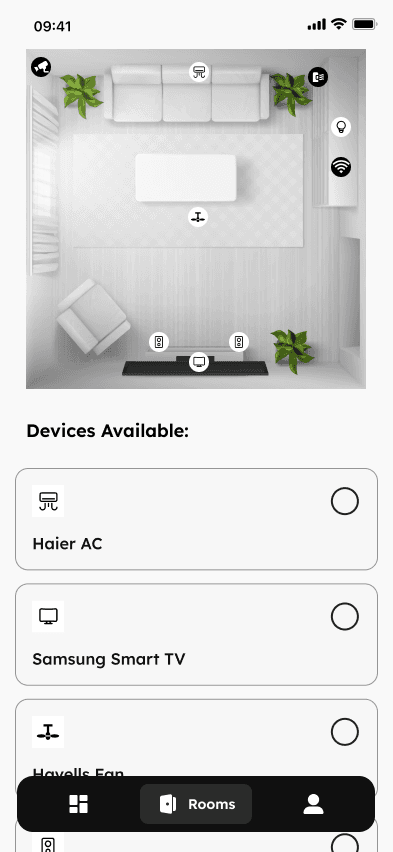
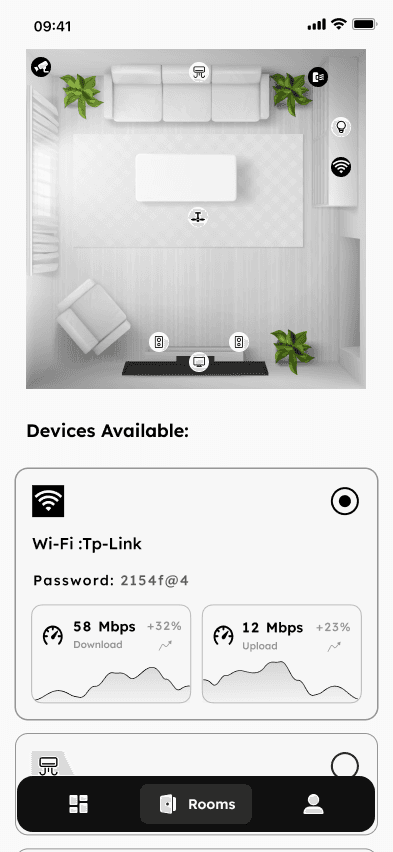
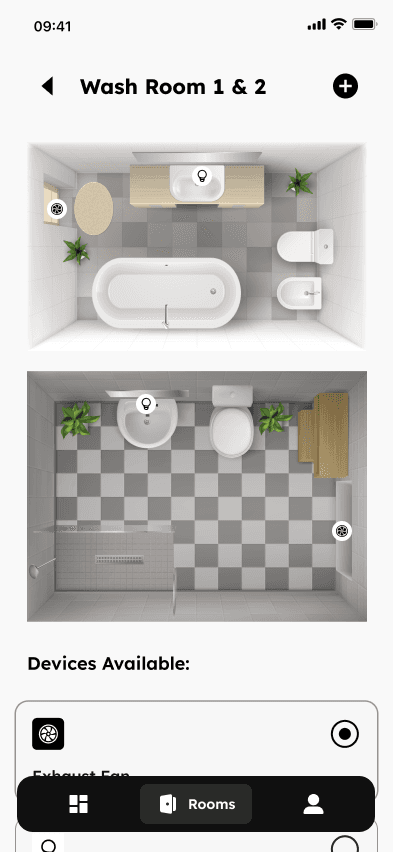
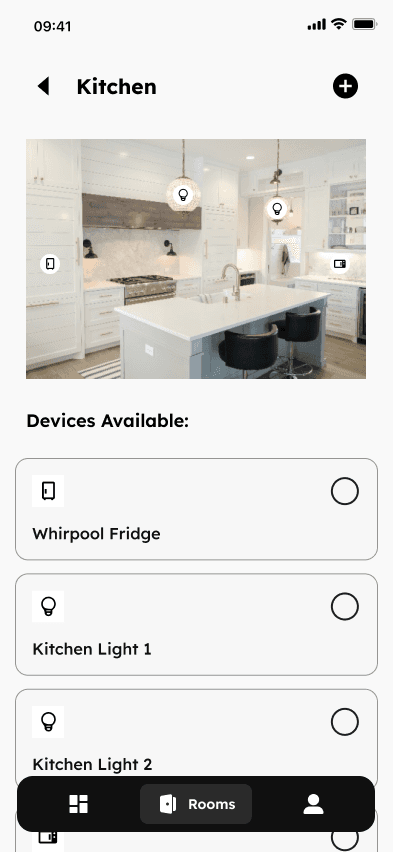
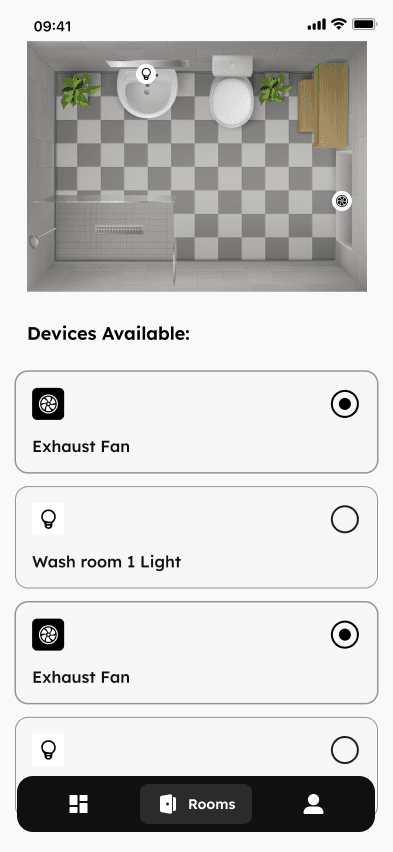
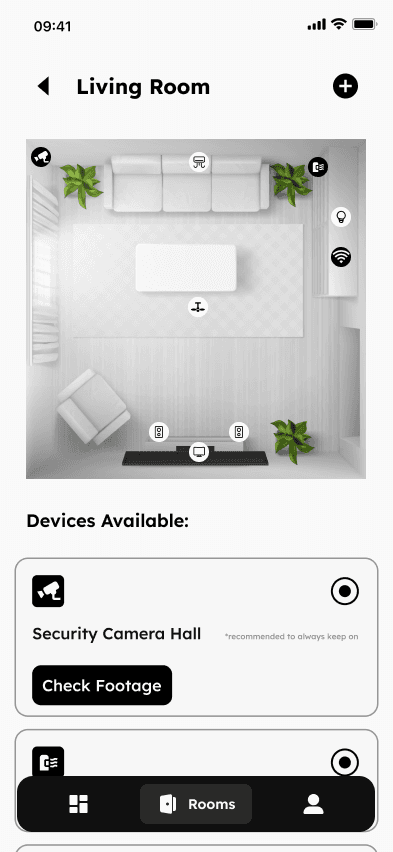
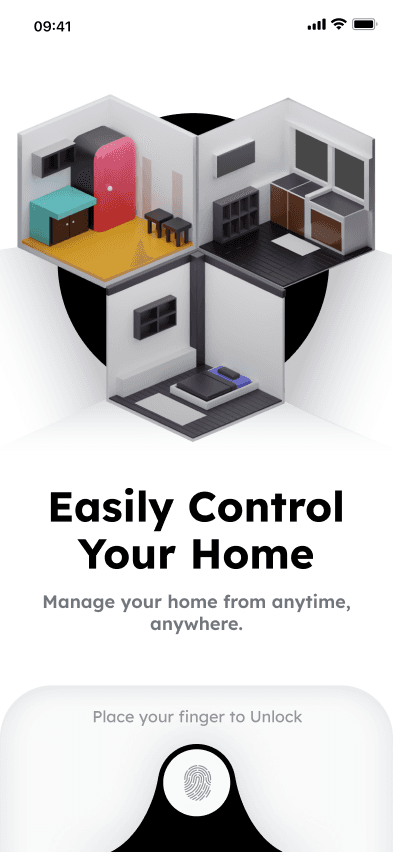
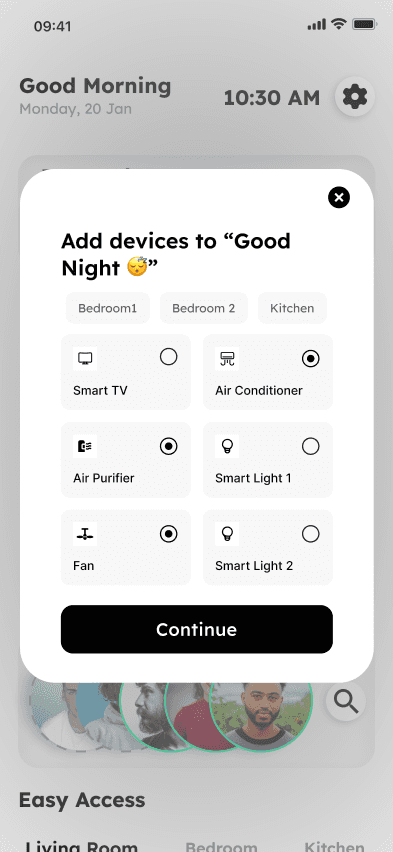
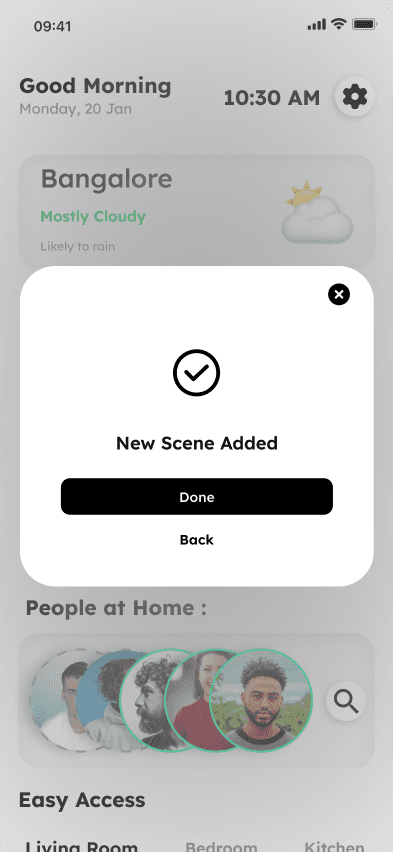
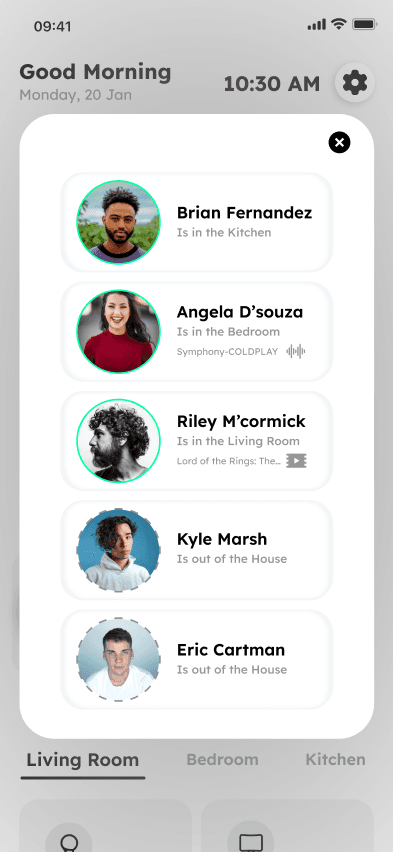
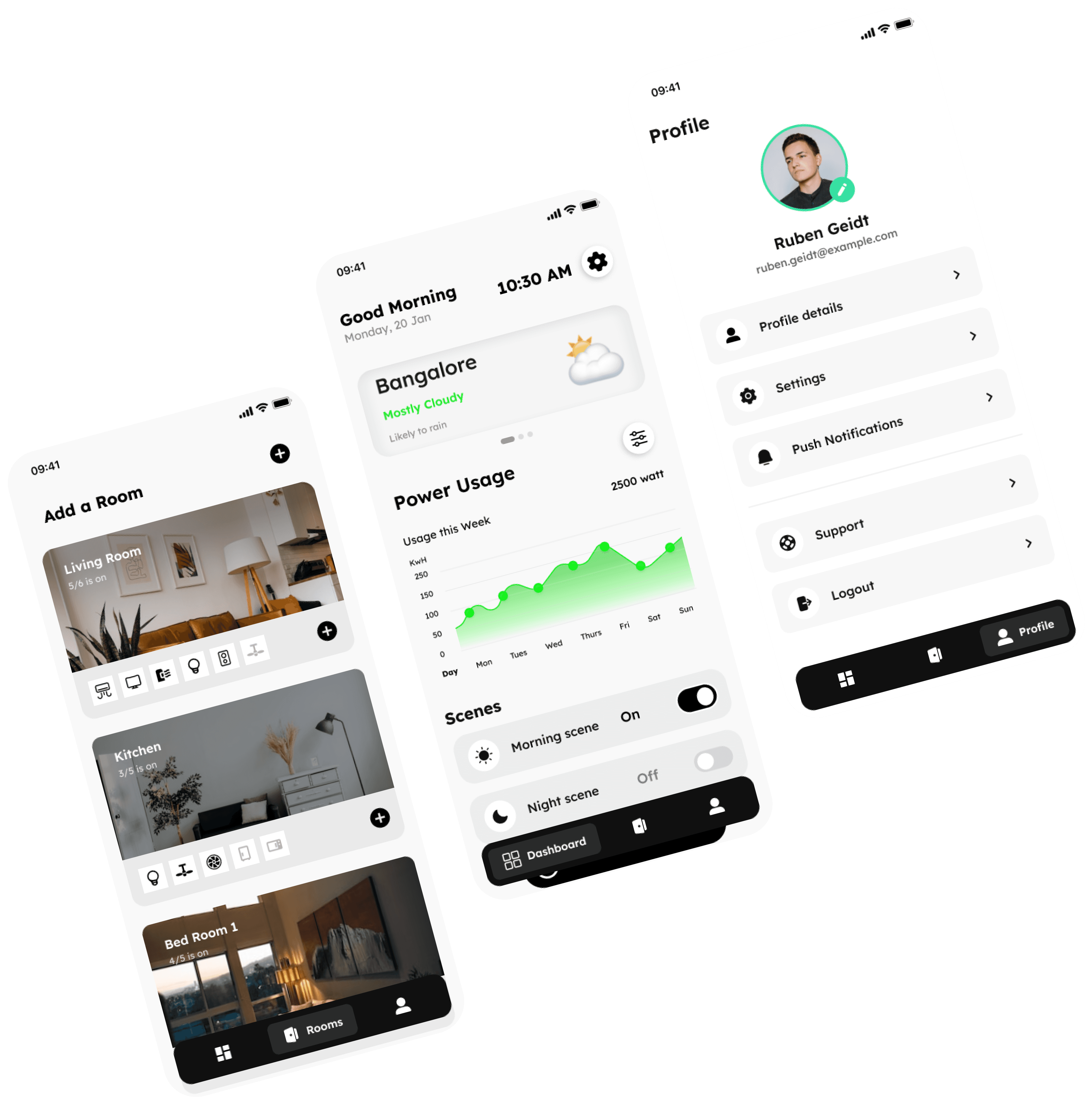
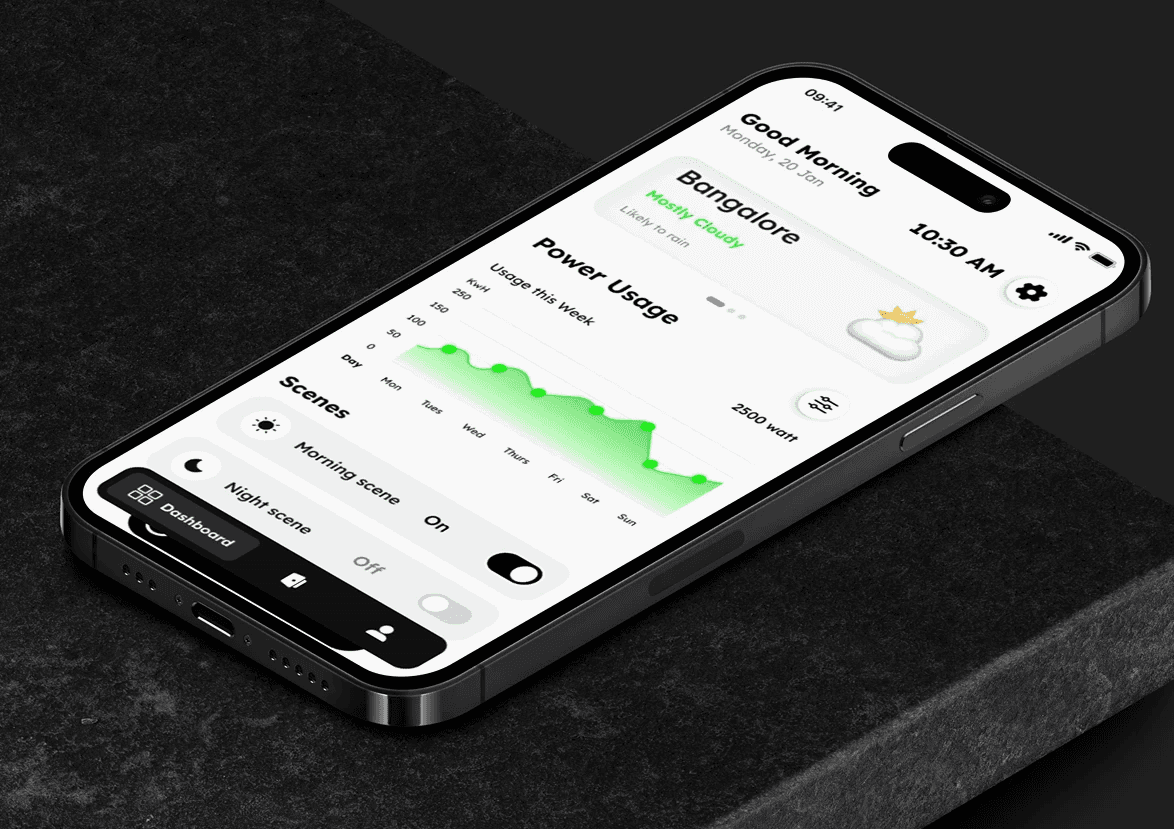
Crafted a clean, modern UI design with a focus on user-friendly controls for various appliances.
Defined a color scheme and iconography consistent with smart home aesthetics, ensuring easy recognition of device types.
Designed intuitive controls for adjusting settings, schedules, and monitoring energy usage.
Design Screens
Future Scope:
Voice Control Integration:
Integrate voice commands for hands-free control of devices, enhancing convenience and accessibility.
Implement compatibility with popular voice assistants like Amazon Alexa and Google Assistant.
Smart Home Ecosystem Expansion:
Expand compatibility with a wider range of smart home devices and brands, creating a comprehensive control hub.
Allow users to create custom scenes and automation for a more personalized smart home experience.
Energy Usage Insights & Recommendations:
Provide detailed energy usage statistics for each device, promoting energy efficiency.
Offer personalized recommendations to optimize energy consumption based on usage patterns.
Security & Privacy Enhancements:
Implement advanced security measures to protect user data and prevent unauthorized access.
Offer privacy settings for users to control data sharing and permissions within the app.
Multi-User Support & Family Sharing:
Enable multiple user accounts with personalized settings and access permissions.
Introduce family sharing features for seamless control and coordination among household members.
Offline Mode & Redundancy:
Implement an offline mode for basic device control even without an internet connection.
Ensure redundancy and fail-safes to prevent loss of control during connectivity issues.